Run smarter computer-based exams with SchoolEdge CBT.
Deliver, monitor, and analyse exams across your network with a secure admin console feeding every connected client. Practice offline, invigilate live, and upgrade seats instantly.

Turn limited practice into premium exam delivery today
Unlock analytics, classroom notes, and collaborative invigilation with a premium SchoolEdge CBT administrator account.

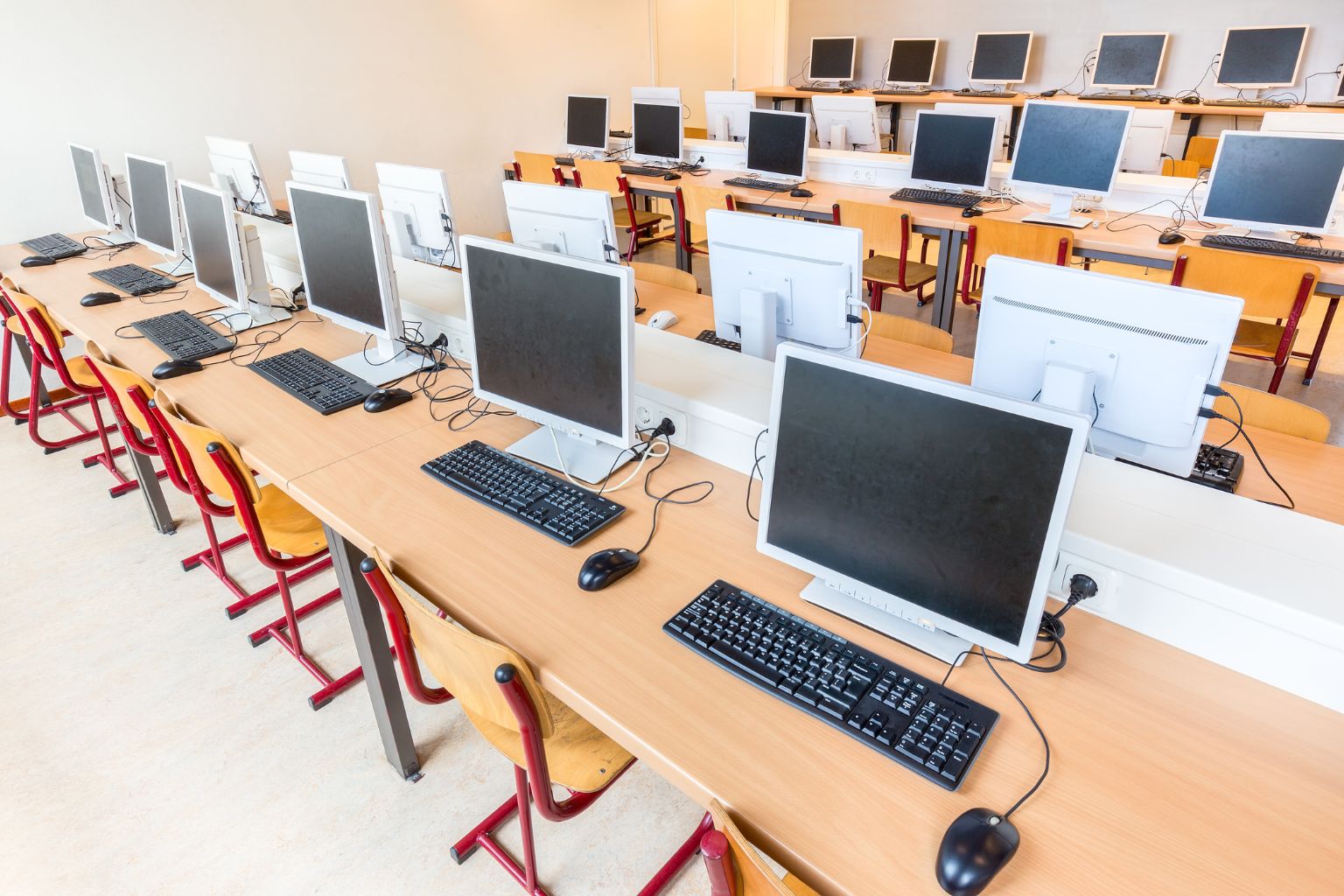
Purpose-built for schools, colleges, and accreditation centers.
SchoolEdge CBT is a desktop-first examination ecosystem optimized for constrained bandwidth environments. The admin application hosts the secure database, distributes exam packets, and synchronizes submissions, while the client application delivers an intuitive candidate experience online or offline.
Admin Control
Manage question banks, track live sessions, enforce proctoring rules, and export analytics.
Candidate Experience
Lag-free interface with practice, mock exam, and timed testing modes plus instant feedback for premium users.
Architecture at a glance
Three coordinated applications keep your centre running: administrators orchestrate, client stations receive, and candidates upgrade when they’re ready.
Admin Console
Install on a secure PC, seed question banks, manage catalogue updates, and monitor live sessions with real-time analytics.
Client Stations
Connect via LAN/WAN using the admin IP. Every desktop pulls down synced exams, media, and timing rules automatically.
Freemium to Premium
Start every installation in limited practice mode, then upgrade seats to unlock full analytics, classroom notes, and collaboration.
Everything you need to run professional CBT programs
Discover how SchoolEdge CBT streamlines onboarding, assessment delivery, performance tracking, and classroom engagement in one integrated suite.

Exam Content Streaming
Push question banks, media-rich assets, and timed exams from the admin console straight to every connected client.
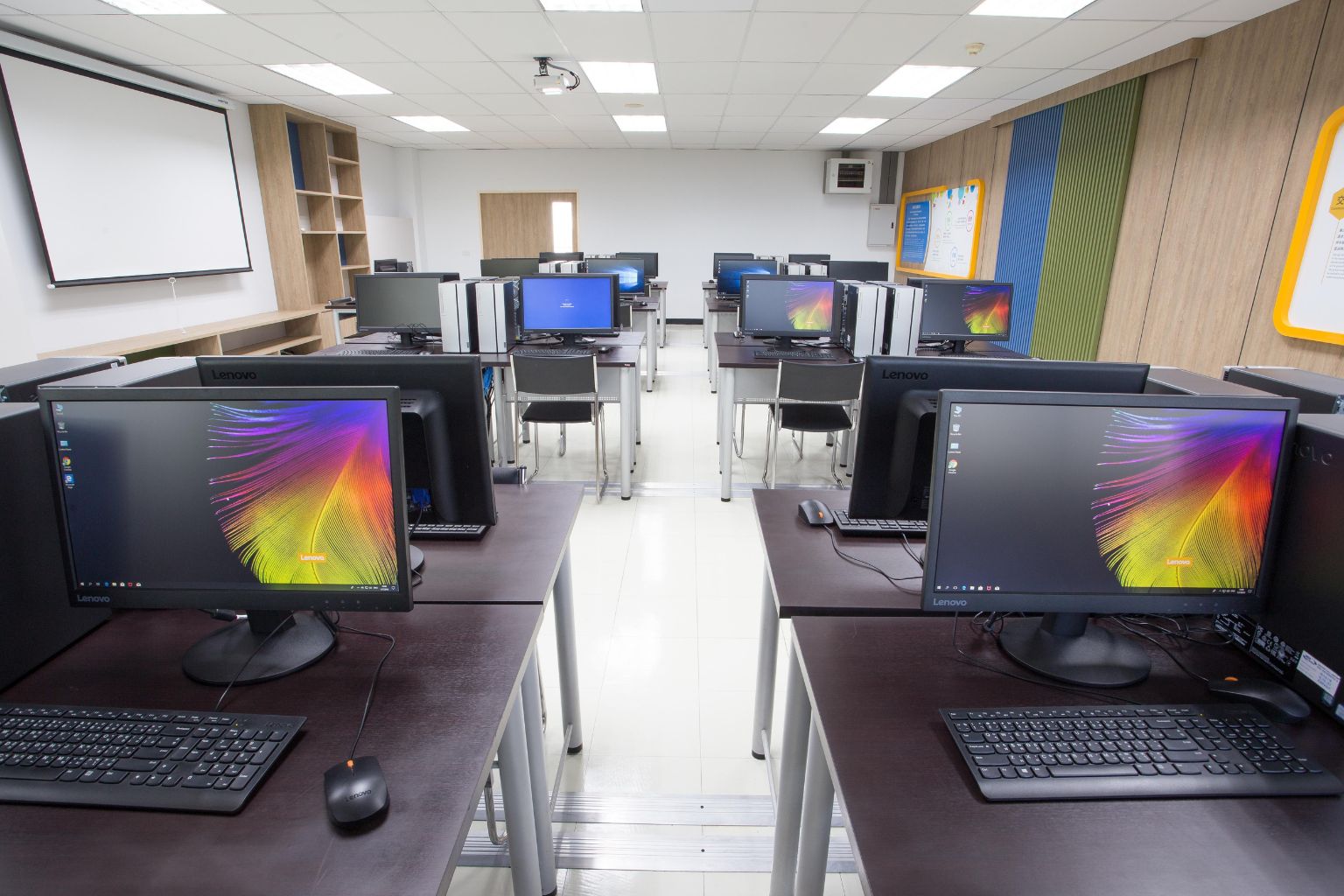
Hybrid Offline Mode
Let candidates practice and revise without connectivity. Results sync automatically once the network is back.

Invigilator Dashboard
Monitor active sessions, enforce session locks, and trigger Bootbox alerts for suspicious activity in real time.

Performance Analytics
Visualize strengths and gaps with per-subject analytics, cohort comparisons, and exportable reports.
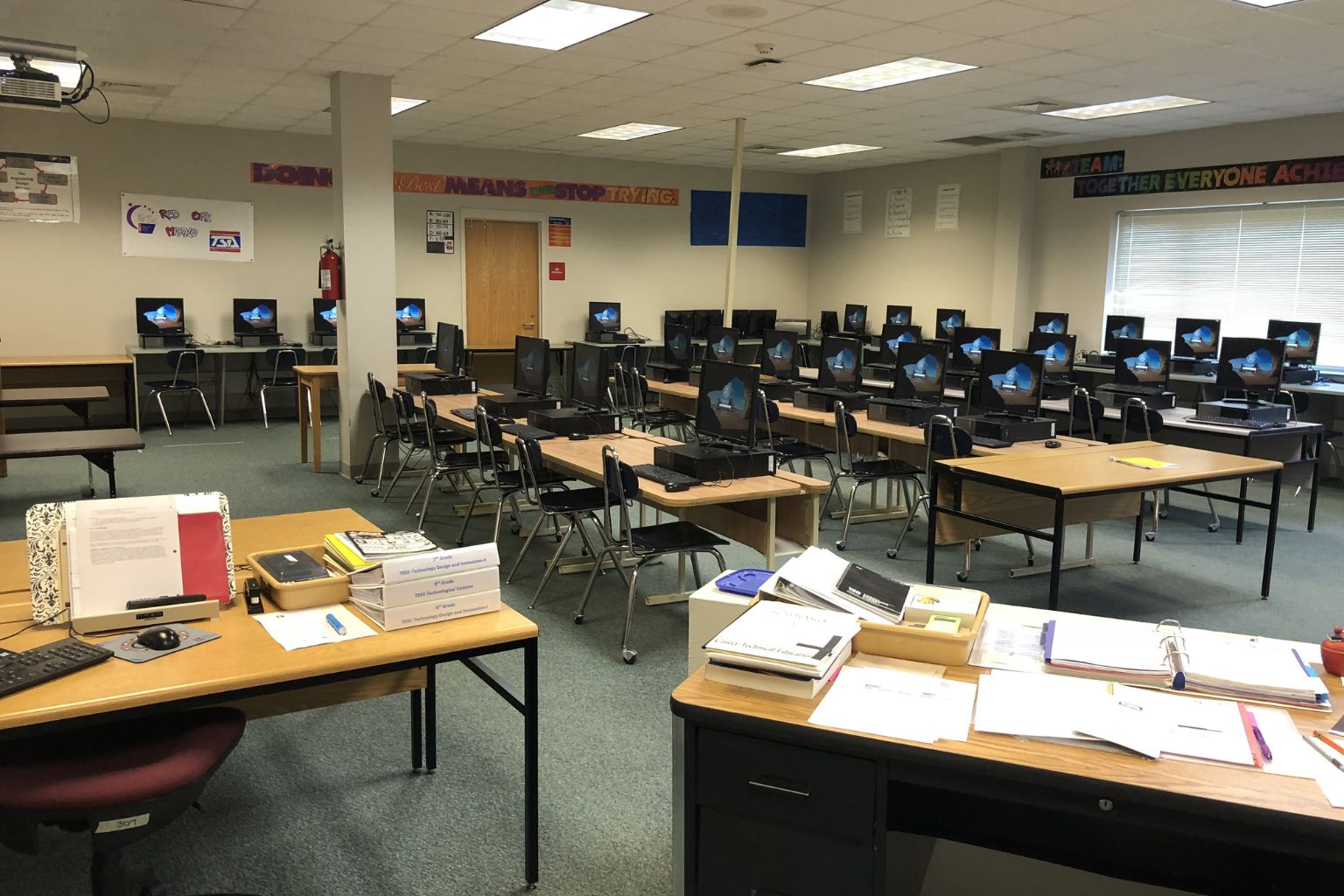
Smart Licensing
Assign seat-based or time-based licenses, manage renewals, and let institutions upgrade from within the desktop app.
Secure LAN Deployments
Use dedicated IP routing, encrypted exam payloads, and automatic backups to keep assessment data safe.
From installation to live exams in under an hour.
The SchoolEdge CBT flow is simple: install, connect, configure, and launch. Each milestone includes guided wizards, Bootbox prompts, and built-in diagnostics to help administrators go live without needing external support.
Watch Product WalkthroughInstall Admin Suite
Deploy the admin application on a central Windows PC, restore question banks, and configure institution profiles.
Connect Client Stations
Install the client app, enter the admin IP address, and auto-sync exam catalogs plus limited practice content.
Launch Limited Mode
Run orientation sessions with capped question sets, timed demos, and tutorial videos to onboard candidates.
Upgrade to Premium
Log in or register for a premium account, pay for licenses, and unlock full access to advanced analytics and classrooms.
See SchoolEdge CBT in action
Product tours, setup tutorials, and classroom success stories to help your team get onboarded fast.
Admin Console Walkthrough
Explore how to create exams, seed question banks, manage licensing, and monitor live sessions.

Candidate Experience Demo
Walk through practice mode, exam mode, and feedback screens for limited and premium users.
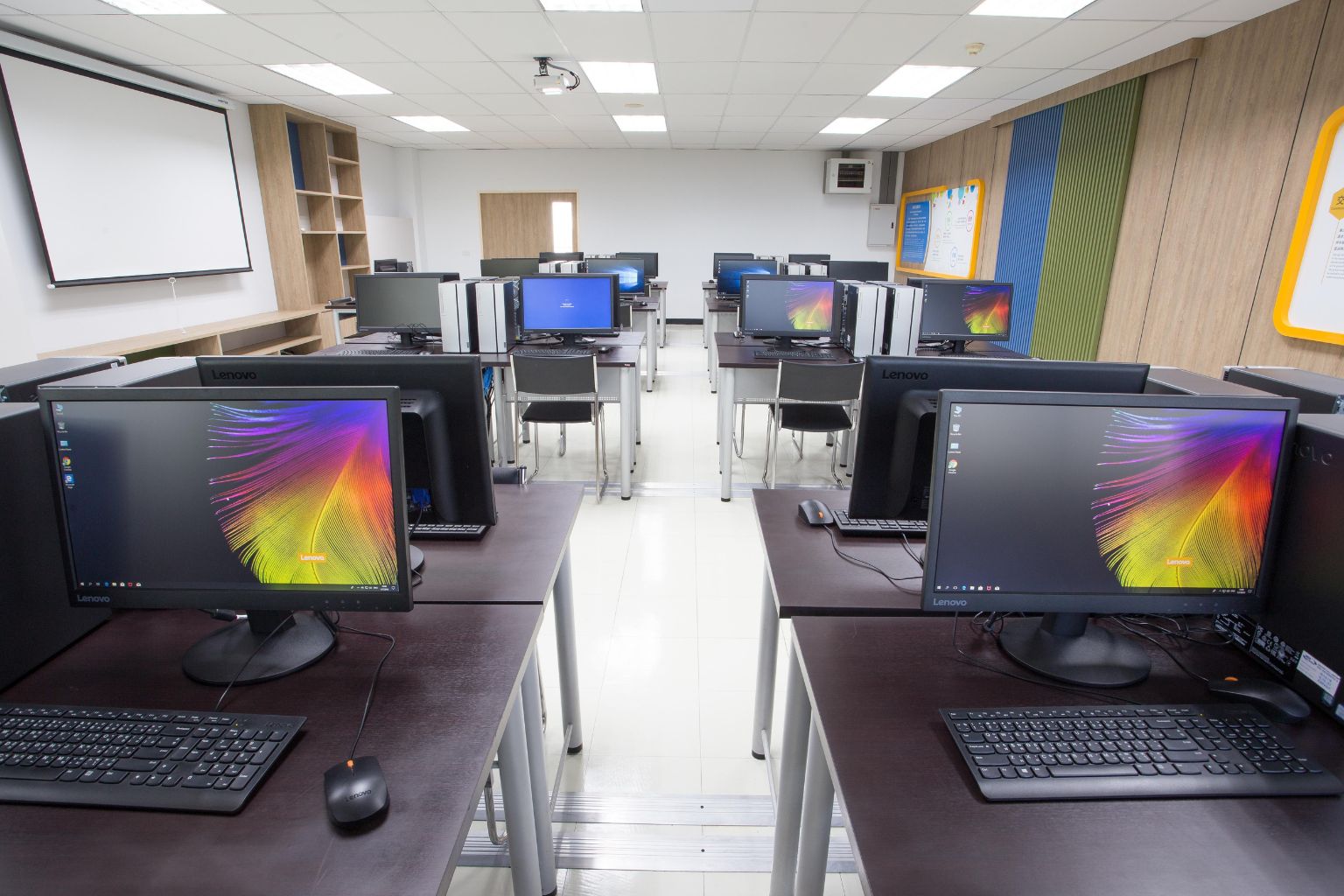
Network Setup Tips
Best practices for configuring LAN/WAN connectivity, bandwidth management, and backup strategies.
Transparent pricing for every deployment
Start free, then scale with flexible licensing that matches your center size and exam calendar.
Free Trial
Perfect for first-time installations and testing
- 1–10 candidates
- Maximum 5 tests
- Limited practice catalog
- Single admin login
- Offline classroom mode
- Upgrade from within the app
Regular
Ideal for small starting schools
- 1–100 candidates
- Unlimited exams
- Full exam catalogs
- Real-time invigilation
- Result analytics
- Email/WhatsApp support
- Upgrade from within the app
- Bulk Email/SMS to Candidates
Standard
Perfect for medium growing schools
- 1–200 candidates
- Unlimited exams
- Full exam catalogs
- Real-time invigilation
- Result analytics
- Email/WhatsApp support
- Upgrade from within the app
- Bulk Email/SMS to Candidates
Premium
For growing higher institutions and exam centers
- 1–500 candidates
- Unlimited exams
- Full exam catalogs
- Real-time invigilation
- Result analytics
- Email/WhatsApp support
- Upgrade from within the app
- Bulk Email/SMS to Candidates
Platinum
Ultimate solution for private institutions and big exam centers
- 1–1000 candidates
- Unlimited exams
- Full exam catalogs
- Real-time invigilation
- Result analytics
- Email/WhatsApp support
- Upgrade from within the app
- Bulk Email/SMS to Candidates
Custom
One-time purchase with lifetime access - no recurring payments
- Unlimited candidates
- One-time payment only
- Lifetime software license
- Unlimited exams
- Full feature access
- White-label solution
- Priority support for 1 year
- Free updates for 1 year
- Custom branding included
- On-premise deployment
Trusted by exam centers nationwide
“SchoolEdge CBT replaced our fragmented tools with one cohesive platform. Candidates love the interface, and our invigilators now handle double the sessions effortlessly.”
Adesuwa Michael
Director, Atom Learning Centre, Lagos
Questions we hear most often
Everything from installation to renewals, answered in plain language for administrators and candidates alike.
Ready to deploy SchoolEdge CBT?
Tell us a bit about your center and we’ll respond within one business day. We also provide remote setup sessions for larger deployments.
Phone
+234-705-437-0313Office
15, Gouba Plaza, Plot 171, A. E. Ekukinam Street, Utako, Abuja